
How to Create Neocities Buttons
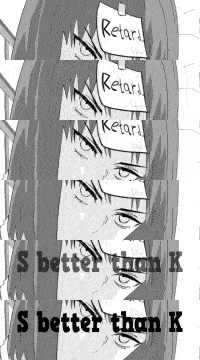
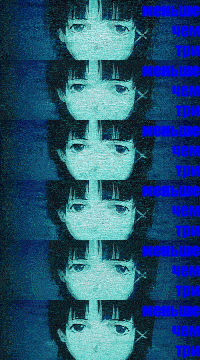
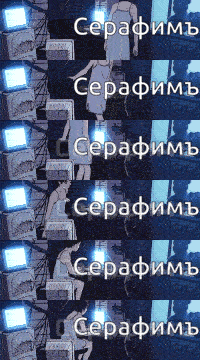
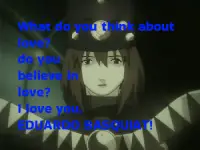
Back in the day, people used buttons to advertise other Geocities pages. I find that usage kind of pointless nowadays, so I use them to promote my friends’ Telegram channels on my Neocities page. Below are some buttons I made myself for a few of my friends.

TL;DR
Use the image below as sample to create your own button.
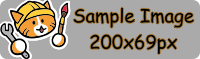 DON'T use another size, 200x69px is a standard for buttons.
Prioritize small files—as small as possible! It’s also advisable to convert PNG files to WEBP. If you’re creating a GIF, avoid using too many layers and don’t hesitate to apply high compression settings.
If you don’t have an image editor (which is very unlikely), I recommend Krita or GIMP. You can also try Photopea, a web-based Photoshop clone. In fact, you can even create your button in Microsoft Paint—you just need to stick to the given proportions.
You also need a bit of knowledge in HTML to properly create a button. It’s easy—click here to see an example.
Conclusion
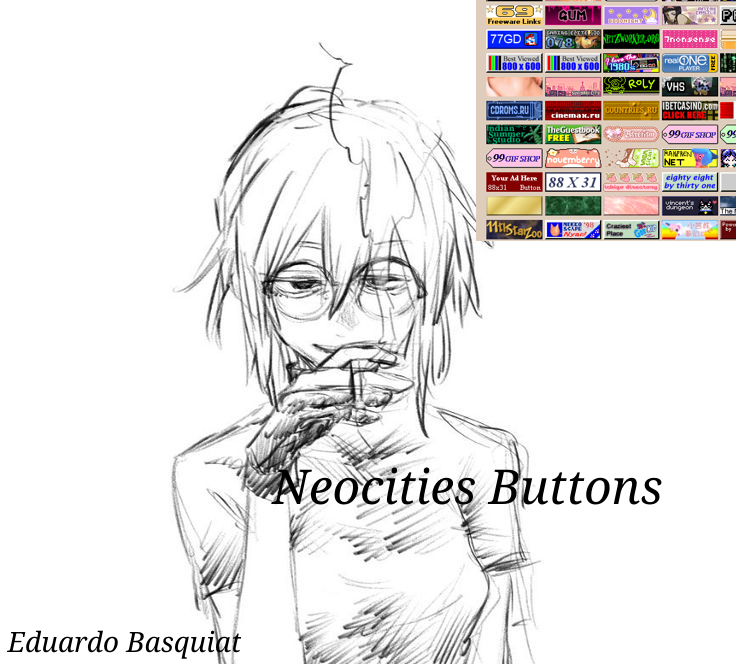
If you're already familiar with Neocities, you might recognize the 88x31 buttons, which have a completely different proportion compared to the new 200x69px ones. But why the change? Well, the answer is simple: I don’t like hauntological things—cheap nostalgia without real purpose.
I use these buttons because they’re very practical for sharing your friends’ Telegram channels. However, 88x31 buttons serve mostly a nostalgic purpose. They’re smaller, harder to read on modern resolutions, and designed for the small screens of the past.
I advocate against cheap nostalgia. We need to focus on creating new things instead of endlessly recycling the same nostalgic ideas. So, I encourage you to use your creativity and avoid making boring buttons with a 90s aesthetic, like those Windows 95-style buttons. Create something new! Show the world that you’re part of the future!!!